
The Importance of Color Management – How to Ensure Your Digital Art Looks Perfect
For digital artists, photographers, and graphic designers, there is few things more frustrating than seeing a masterpiece—meticulously crafted over dozens of hours on a bright, high-resolution monitor—turn out muddy, dark, or completely color-shifted once it hits paper or canvas.
That disconnect happens because screens and printers speak entirely different color languages.
Understanding and implementing a proper color management workflow bridges this gap, ensuring that what you see on your display translates into flawless, gallery-ready output. Here is how to take control of your color workflow from screen to physical print.
1. RGB vs. CMYK: Translating Light into Ink
The core reason digital artwork changes appearance when printed lies in the fundamental difference between light and ink:
● RGB (Red, Green, Blue): Your monitor uses additive light to create color. Emitting light directly into your eyes allows a screen to render ultra-bright, neon-like hues across a wide visual spectrum.
● CMYK (Cyan, Magenta, Yellow, Key/Black): Printers use subtractive ink pigments to reflect ambient light off a physical page. Because ink cannot emit its own light, certain vivid electric blues or fluorescent greens visible on an RGB screen simply fall outside the physical printing boundary (the "color gamut").
A disciplined color management setup predicts these boundary limits early, preventing unpleasant surprises during production.
2. The Baseline: Calibrating Your Display
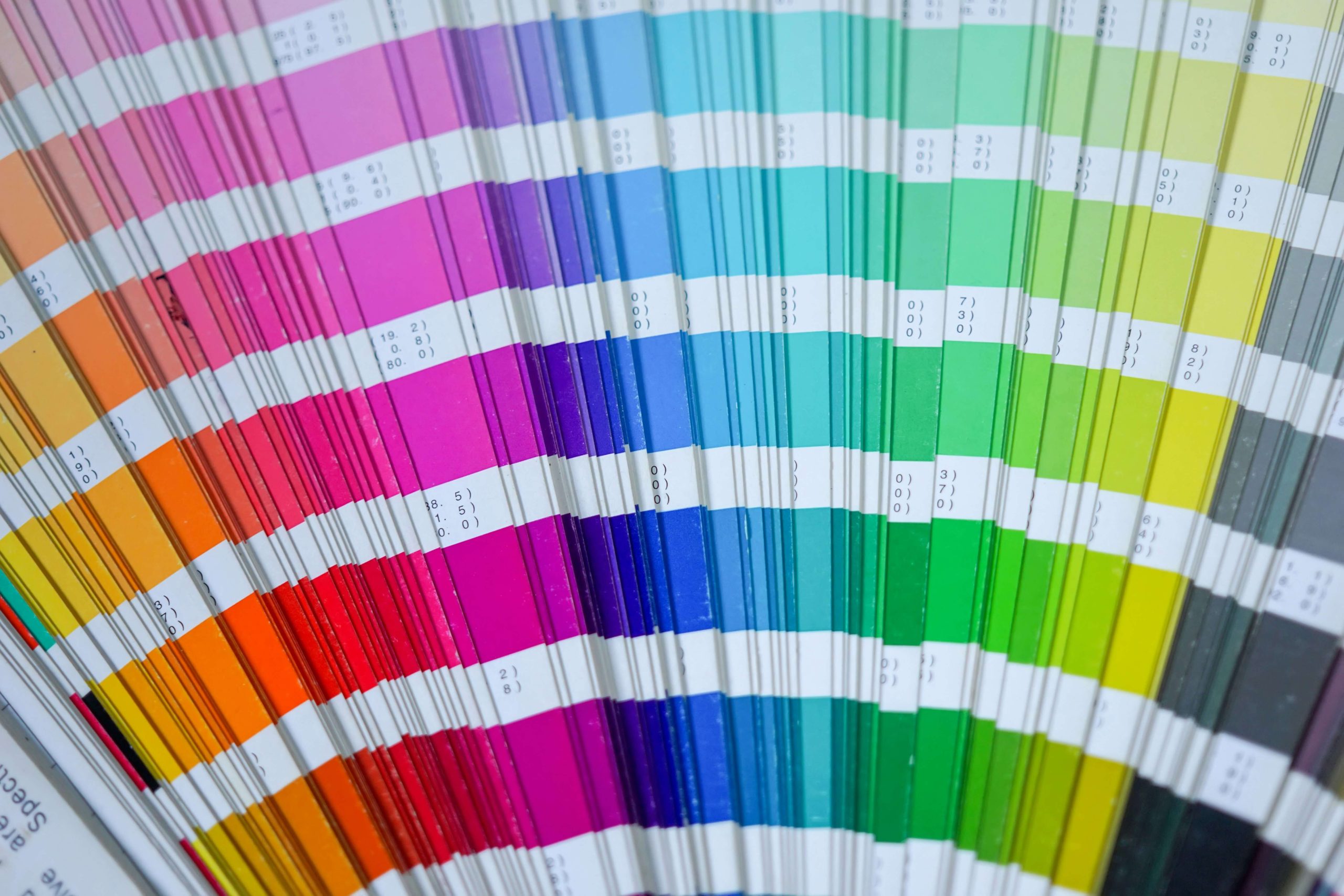
You cannot accurately manage color if your screen is lying to you. Consumer monitors come out of the box tuned for vibrant entertainment—boosted contrast, overly cool whites, and excessive brightness—which makes digital art look brilliant digitally, but leads to drastically underexposed (dark) physical prints.
● Hardware Calibration: Utilizing a physical colorimeter (a calibration device attached directly to your screen) measures your monitor’s actual output and creates a custom display profile.
● Target Settings: For fine art and high-end printing, calibrate your monitor to a standard color temperature (typically 6500K / D65) and a reasonable luminance level (between 80 to 120 cd/m²).

3. Working with Soft Proofing and ICC Profiles
An ICC Profile is a standardized data file that describes how a specific printer, ink set, and paper combination renders color.
Before hitting "Print," professional artists use these profiles for Soft Proofing inside software like Adobe Photoshop, Illustrator, or Lightroom:
1. Obtain the Profile: Request the specific ICC profile for the paper substrate you plan to use (e.g., cotton rag, baryta paper, or backlit fabric) from your printing lab.
2. Simulate Paper Attributes: Soft proofing simulates how the chosen substrate will absorb ink, showing you how your contrast and saturation will adjust under physical conditions.
3. Correct Out-of-Gamut Colors: You can visually identify areas where colors exceed physical print capabilities and manually tweak those tones while preserving the artistic integrity of your piece.
4. Substrates Matter: How Material Changes Perception
Color does not exist in isolation—it reacts directly with the surface it is deposited on:
● Glossy & Metallic Papers: Reflect light directly back to the viewer, offering deep, punchy blacks and maximum perceived color saturation.
● Matte Cotton Fine Art Papers: Absorb ink deeper into the natural fibers. This creates a soft, tactile, glare-free aesthetic with subtle tonal transitions, though black tones will appear slightly lighter compared to high-gloss options.
● Textiles & Fabrics: Used heavily in custom lightboxes, backlighting changes how color density is perceived, requiring higher ink saturation levels to maintain vibrant tones.
Partnering with a Color-Calibrated Production Studio
Individual monitor calibration is only half the battle. The final result depends entirely on the print studio's commitment to maintaining strict, standardized measurements across their equipment.
At J&A Imaging Station, color accuracy is held to absolute technical standards. As an authorized Color Management System partner, our team utilizes automated spectrophotometers and custom-built ICC profiles across all wide-format print engines. Combined with our experienced prepress team, we review files to guarantee that your physical prints faithfully honor your original artistic vision.
Ready to bring your digital collection into the physical world with complete color accuracy?
[Connect with our fine art print team at J&A Imaging Station today.]

LINKS
KEEP IN TOUCH
CONTACT
ADDRESS
18, Jalan PJU 3/46, Sunway Damansara, 47810 Petaling Jaya, Selangor, Malaysia
OPERATING HOUR
MONDAY - FRIDAY 9.00AM - 6.OOPM
SATURDAY 9.00AM - 1.OOPM
© 2017 J&A Imaging Station